
Most businesses find out their site was vulnerable the hard way. The site goes down, or starts redirecting to something ugly, or a customer emails to ask why the checkout is asking for their card twice.
By then it’s cleanup, not prevention. And cleanup costs a fortune next to the boring checks that would have caught it early.
The frustrating truth is that most breaches don’t come from some genius hacker. They come through a stale plugin, a weak password, an expired certificate nobody was watching. Ordinary gaps, left open.
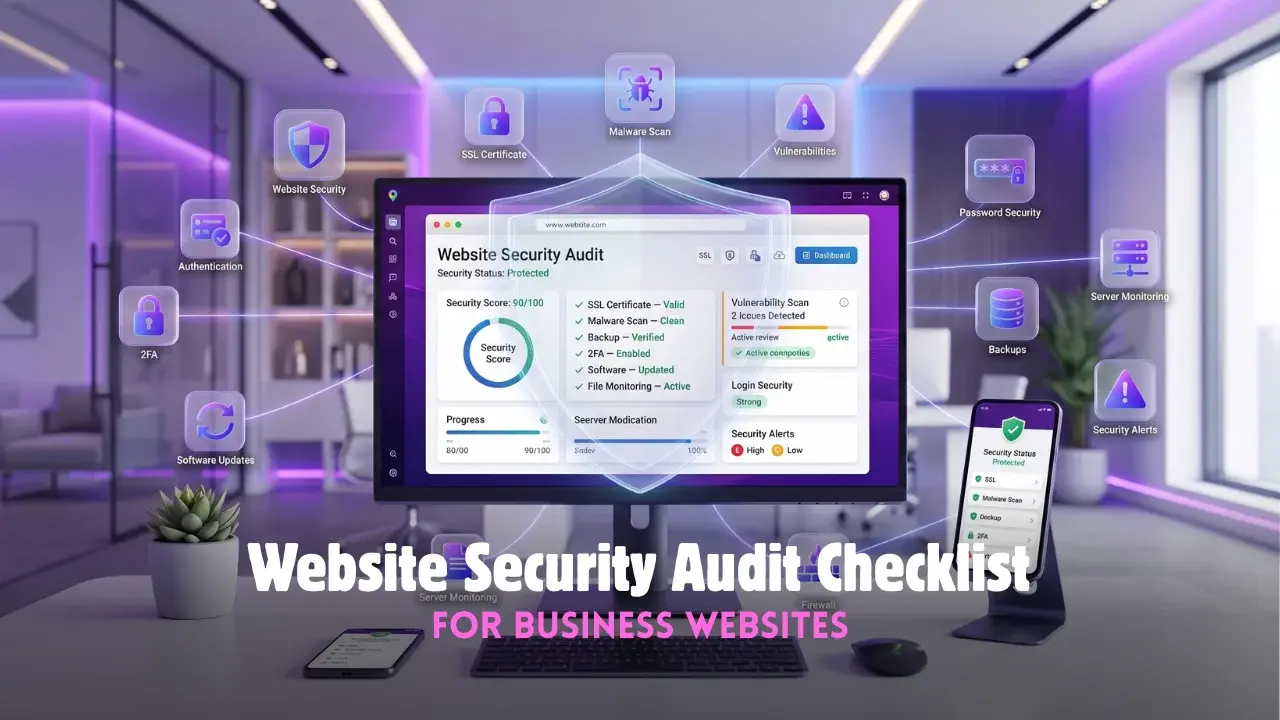
A regular website security audit is how those gaps get found before anyone else finds them. The Tech Designers runs these for businesses that would rather spot the hole than fall through it, and the checklist below walks the whole thing through.
Why a Website Security Audit Matters More Than Most Owners Think
A small business site feels like an unlikely target. Who’d bother, right? That instinct is exactly what gets sites hit.
Most attacks aren’t personal. Bots crawl the web by the million, rattling doorknobs, and any site with a weak spot gets caught in the net regardless of size or fame.
A website security audit closes those doorknobs on purpose:
- outdated software with holes already published online
- passwords weak or reused enough to guess in seconds
- an SSL certificate lapsed or missing at the checkout
- no backup, so one bad morning wipes everything with no way back
Skip the audit and these sit open indefinitely. Run one and most get shut before a bot ever wanders past.
Building Your Website Security Audit Checklist
A useful Website Security Audit checklist isn’t a vague “look at security.” It’s a fixed set of checks, run the same way each time so nothing slips.
Start With Access And Passwords
Most break-ins walk through the front door with a weak password. So start where the attackers do.
- kill default logins like “admin” and swap in real usernames
- require strong, unique passwords for every account with access
- switch on two-factor authentication wherever it’s offered
- prune old accounts, since a former employee’s login is a live risk
Check the Software Layer
Outdated code is the single most common way sites fall. A good Website Security Audit checklist leans hard on this.
- update the platform, plugins, and themes to current versions
- delete anything unused, because dormant plugins still open doors
- watch for outdated plugins that have quietly lost developer support
Protecting Data And Monitoring Threats
Locking the doors is step one. Step two is knowing the moment someone tests them.
An SSL certificate is the floor, not the ceiling. It encrypts what passes between site and visitor, and a lapsed one both spooks customers and hands Google a reason to bury the site. Confirm the SSL certificate is valid and set a reminder well ahead of expiry.
Then the watching. A site can be tidy today and compromised next week, so someone has to keep an eye out:
- schedule regular malware detection scans, then actually read the results
- set alerts for unexpected file changes on the server
- watch for the classic breach tells, sudden slowdowns, odd redirects, spam pages
Good malware detection catches an infection while it’s small, before it spreads to visitors and drags the site onto a blacklist. Left unwatched, a quiet infection becomes a public disaster on its own schedule.
What Professional Website Security Services Add
Plenty of the basics a capable team can handle in-house. Past a certain point, though, website security services earn their keep.
The value is partly constant attention. Threats don’t keep office hours, and website security services can watch around the clock in a way a busy owner simply can’t. When something trips at 3 am, the response starts at 3 am, not at breakfast.
There’s depth, too. Professionals run tests that surface holes a checklist misses, and they recognize a fresh threat early. Strong website security services also handle the cleanup when prevention slips, restoring the site and sealing the gap. The Tech Designers builds that ongoing watch in, since security is a habit, never a one-off scan.
Making The Website Security Audit A Routine
A single audit is a photo. Security is a film, always moving.
Fresh vulnerabilities surface constantly. New plugins arrive, staff come and go, attackers change tactics. A website security audit run once and filed away is close to no protection a year on.
The fix is rhythm over panic. Follow strong website security best practices on a schedule, and the checks become a quiet monthly loop instead of an annual scramble.
- monthly, run the core checklist and confirm backups actually restore
- quarterly, take a deeper look at access and permissions
- always, sound website security best practices mean patching fast, not eventually
None of it is dramatic. But steady website security best practices, held month after month, are what keep a business site off the casualty list while the neglected ones nearby keep getting hit.
Frequently Asked Questions
What is a website security audit?
It is a structured check of a site’s defenses to find vulnerabilities before attackers do.
How often should a security audit run?
Core checks monthly, with a deeper review each quarter for most business sites.
Can a small business website get hacked?
Yes, since most attacks are automated bots that target any vulnerable site regardless of size.
What is the most common security weakness?
Outdated software and weak passwords account for a large share of breaches.
Do I need professional security services?
Basics can be handled in-house, though busy or revenue-critical sites benefit from ongoing monitoring.